
The FoxChat app: FoxChat Video on your home screen
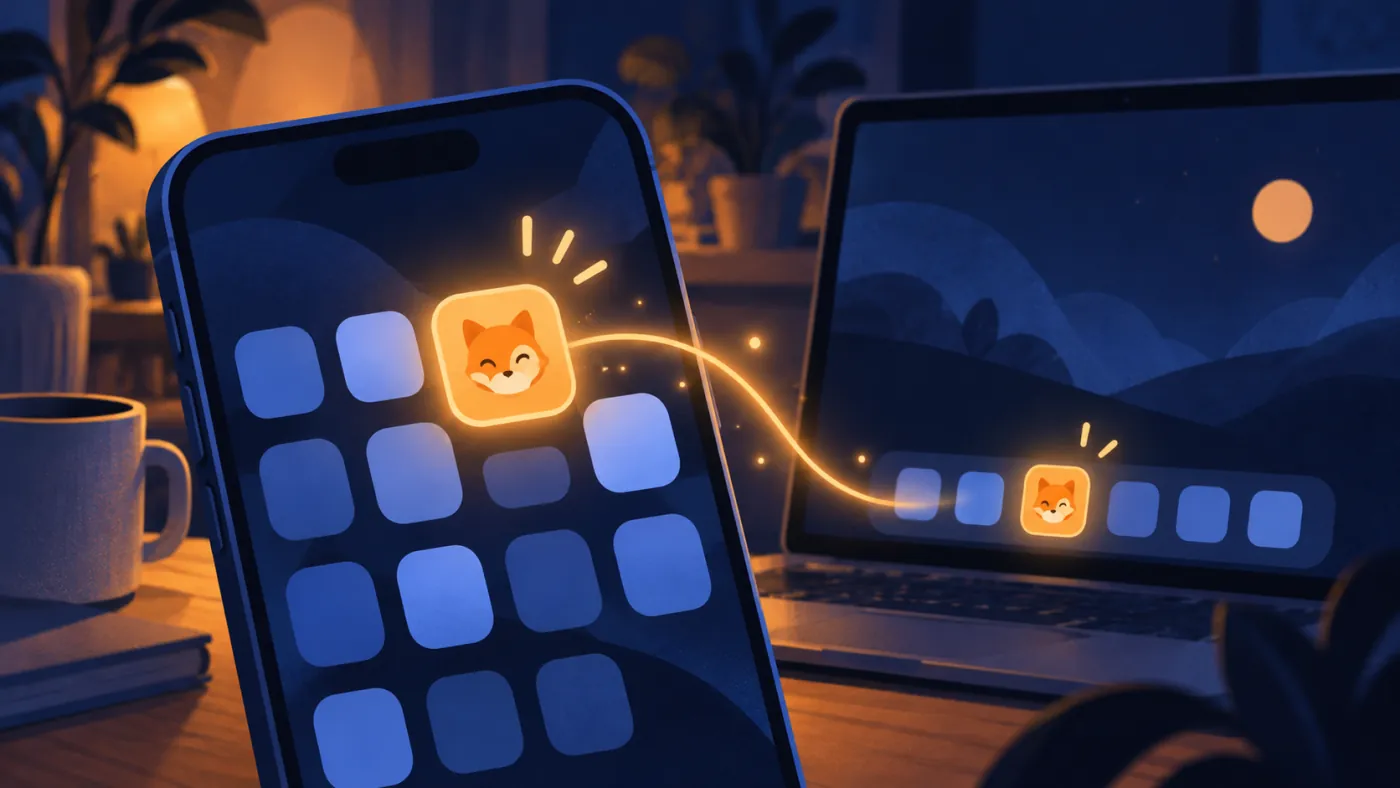
Nothing to download from a store. Add the site to your home screen once and it opens full screen, one tap away, like any other app.

Why there is no store download
FoxChat Video was built for the browser. The camera, the microphone and the messages all work there, on phones and on computers. Adding it to your home screen does not install a different program. It gives the same website its own icon and its own window, without the address bar in the way.
That has a few quiet advantages. It takes up next to no storage. It is always the current version, because there is nothing to update. And it is gone the moment you delete the icon.
iPhone and iPad (Safari)
- Open foxchat.video in Safari.
- Tap the Share button, the square with an arrow pointing up.
- Scroll down and choose Add to Home Screen.
- Keep the name FoxChat Video, or shorten it, then tap Add.
Android (Chrome)
- Open foxchat.video in Chrome.
- If an install bar appears at the bottom, tap it. Otherwise open the ⋮ menu.
- Choose Install app or Add to Home screen.
- Confirm. The fox icon lands next to your other apps.
Windows and Mac (Chrome or Edge)
- Open foxchat.video.
- Look for the small install icon at the right end of the address bar.
- Click it and confirm Install.
- FoxChat Video now opens in its own window, and you can pin it to the taskbar or dock.
Once it is on your home screen
Tap the fox icon and you land straight on FoxChat Video. The first call still asks for the camera and microphone once, the same way the browser does. Your sign-in, messages and coins carry over, because it is the same account behind the same site.
Not sure what happens on a call? The fox video call guide walks through every button, from Next to hang up.
FoxChat app questions
Is there a FoxChat Video app in the App Store or Google Play?
No. FoxChat Video runs in the browser. The home-screen version is the same site in its own window, with nothing extra to download.
Does the home-screen version need a separate account?
No. It is the same website, so your messages and coins are the same ones you see in the browser, as long as you are signed in to the same account.
How do I remove it?
Treat it like any other icon: long-press and remove on a phone, or uninstall it from the window menu on a computer. Nothing else is left behind.
Prefer to skip the icon? FoxChat Video works just as well in a normal browser tab.